

It once took a whole studio filled with expensive gear to produce music. Now, all you need is your phone, a solid app, and some creativity to start producing. Whether it's bedroom beat-making or capturing melodies on the go, mobile production makes it all possible. The simplicity, affordability, and ease of use make AI music platforms make it easy to start making beats right now. In five minutes, you could be listening to your first fully self-produced track, even if you’ve never worked with a DAW.
Let’s look at why you don’t need a desktop or laptop to make professionally produced music.
No Computer Needed
AI Music generators and production tools are lightweight. They run off cloud platforms that don’t use resources on your phone or chew up your data plan. You get fully functional mobile interfaces that are easy to navigate and don’t need huge processing power to work properly.
Make Music Wherever You Are

Inspiration doesn’t wait for you to book studio time and prep your notebook for the work—it strikes when you’re least expecting it. You might be waiting for a bus, walking in the city, or even in bed when an idea starts ringing in your head. With mobile production, you can start creating immediately, capturing the moments before they slip away. Being capable of producing anywhere and at any moment ensures that no idea ever goes to waste.
Perfect for Newbies and Professionals
Making music digitally can be intimidating at first, especially with traditional software tools. AI apps keep it simple with prompt-based creation of loops, virtual instruments, and easy effects. You don't need to be a tech expert to start making music—just open an app and start experimenting. Even professional producers can enjoy the speed and ease of use that apps provide.
Affordable Alternative to Studio Equipment
Studio equipment is absurdly expensive, and software, synths, and recording hardware will cost an arm and a leg. Mobile production apps offer pro-level features at a lower price. Most apps are free or offer low-cost subscriptions, so they're a budget-friendly production option. You can make top-quality tracks without dropping thousands on equipment.
Work with Artists Anywhere, Anytime
Music is all about collaboration, and mobile production makes it easier than ever to work with other people. Cloud storage functionality allows you to share projects in real time, sync up, and jam with musicians anywhere in the world. Whether you're co-producing a track or remixing someone else's work, mobile apps remove the distance barriers slowing you down.
Tips for Maximizing Your Mobile Music Production Results
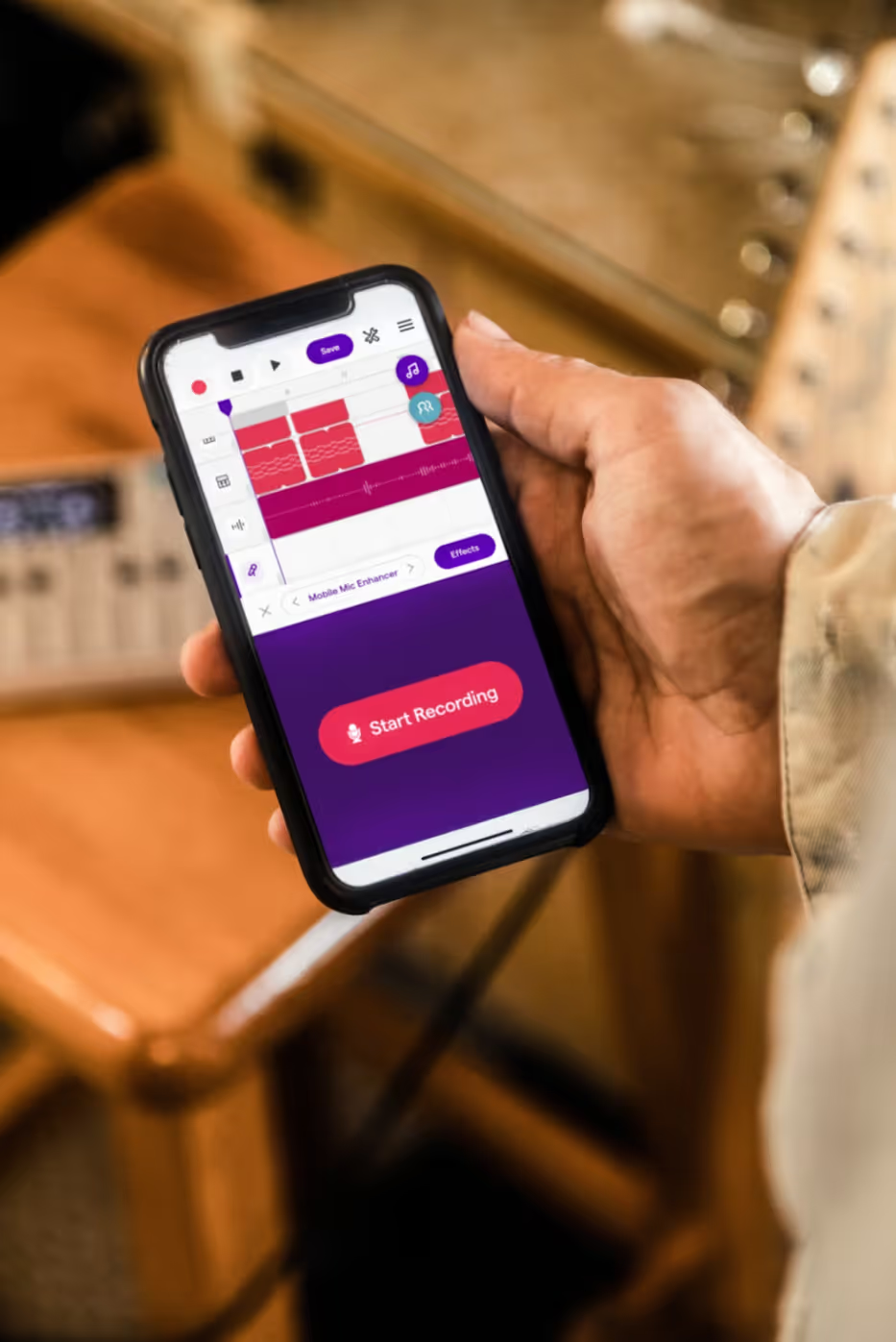
Select the Right App – Different apps are meant for different things. Some are great at full-track production, and some are ideal for beat-making. (Or you can do it all with SOUNDRAW, which we’ll discuss in a minute).
Upgrade Your Setup – Get some good earbuds or headphones, an external microphone, or a MIDI controller to elevate your production to a whole new level.
Save Your Work – Backup your projects in the cloud so you don't lose anything. There's nothing worse than losing a beat you've spent hours working on.
Master the Shortcuts – App-specific gestures and shortcuts can be learned to accelerate your workflow and make music production even more convenient.
Experiment with Sounds – Play around with effects, layer instruments, and experiment with new styles to make your tracks stand out. So, pull out your phone, start experimenting, and see where your sound leads you.
#1 SOUNDRAW – Your Complete AI-Powered Mobile Music Production Studio
Let’s kick things off with our top mobile AI platform for creating any type of music. SOUNDRAW V2 is a next-generation music creation tool and it comes with advanced post-production features to help you refine your tracks to your vision.
This tool is so easy to use, that we’re convinced it’s going to turn the industry on its head, and after using it once, you’ll understand why. Let’s unpack the best features of SOUNDRAW to show you why it's at the top of the heap.
Click-based Prompting and Clean UX – Great for Beginners
What makes SOUNDRAW stand out from other AI music production tools is the easy click-based prompting. You don’t need to type anything into a text box, it’s all point-and-shoot with your mouse. You log onto the site, click the “Create Music” button, and start the creative process.
The prompting page lets you click the track length you want and set the track tempo. Then you click one of the 21 genre thumbnails, and the system works its magic, pulling you into the creator dashboard where you have six AI-generated tracks waiting for you to preview.
So far, this has taken you around 10 seconds.
Huge Variety of Genres & Unique Combinations – Unlimited Creativity
When you’re in the creator studio, you’ll see more tabs across the top of the screen. The “genre” tab should be open, and you’ll see them listed in front of you. What’s great about SOUNDRAW is that you can choose multiple genres for your track to create cross-over beats for a unique sound.
For instance, you could cross drill and hip hop or reggae and rock to create fresh genres. Every time you hit the “Generate” button you’ll get a selection of six new AI-generated tracks to preview.
Easy Click-Based Editing and Post-Production Tools – No Learning Curve
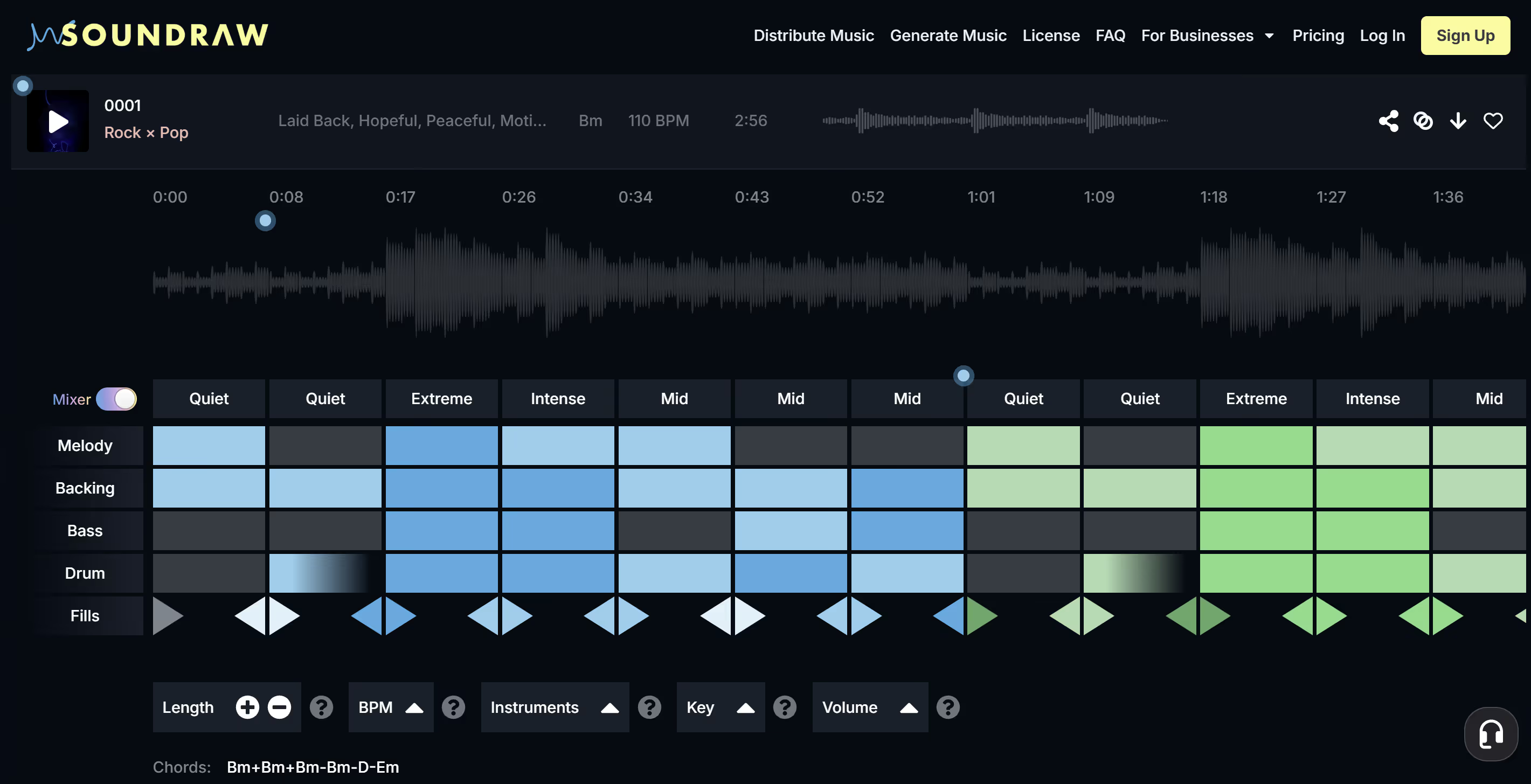
What’s great about SOUNDRAW is the click-based editing you get in the creator studio. When you’ve set your genre, play around with the mood and theme tabs to change up the feel of your song and the emotions it produces. You can further refine the tempo or add instrumentals like drums and keyboards to change things up.
The whole platform is so intuitive to navigate and use, it feels like a 2-year-old could use it and still end up producing banging beats. By now, you’ve only spent a few minutes making your track—and you’re almost done.
The final step is to use the “Mixer” tool below the track you’ve created. This tool gives you a grid layout where you can select boxes to change the elements of melody, bass, backing, drums, and fills—all with a simple click. The power of this toolkit is impressive, and you have options for adjusting the volume of each track element independently in each section of the song.
You’ve probably spent around 10 minutes in total to create a song from scratch, and now it’s ready to save or download.
Cloud-based Storage – Save Resources and Bandwidth
That’s it! You’re done, and all that’s left is to favorite the track to add it to your cloud library. You can download it later when you get home. The cloud-based configuration of the site makes it lightweight to use, consuming minimal resources on your device.
Affordable Subscriptions – Packages for All Creators and Budgets
Now that you’ve seen the power of SOUNDRAW in action, it’s time to make a decision. Do you think this tool adds value to your creative process? Do you think you’ll use it a lot? If so, it’s time to bite the bullet and take a subscription to the platform.
SOUNDRAW offers the entry-level “Creator” package for $12.99 per month, and you get unlimited downloads of license-free music, and complete access to all of the features on the site, including the Mixer tool.
Other Top Contenders for the Title of Top-Rated Mobile Music Apps
#2 Figure (iOS Only)
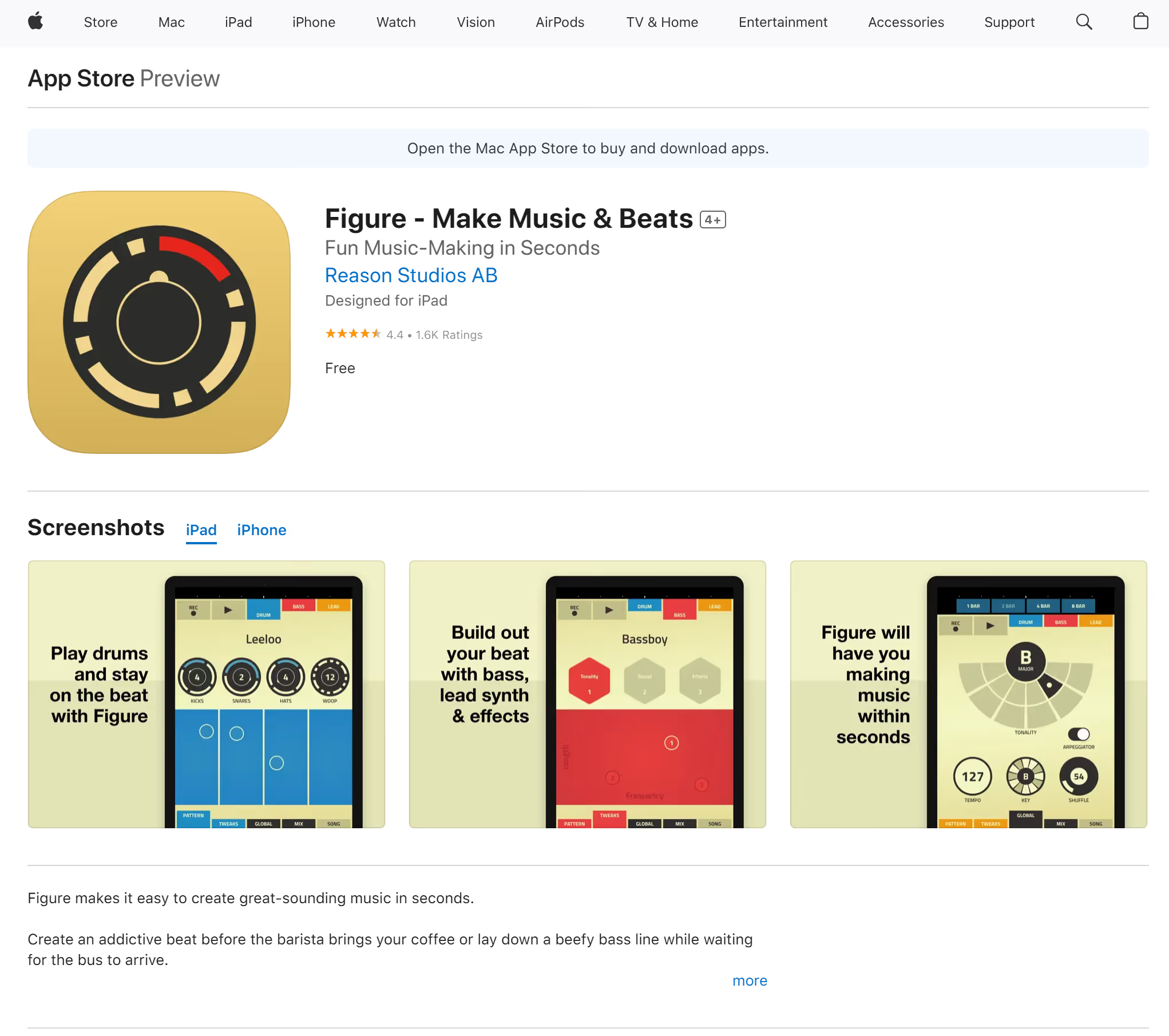
Figure is perfect for creating beats in seconds and is one of the fastest methods for recording musical ideas. The simple layout allows you to create drum loops and synth patterns with ease. While it lacks deep editing capabilities, it’s a fun, user-friendly app for electronic music lovers.
#3 GarageBand (iOS Only)
GarageBand offers a feature-packed music production studio on your iPad and iPhone. From recording vocals to layering instruments and mixing tracks, this app makes it simple for beginners but powerful enough for professional musicians to create full-length songs. While it doesn’t have the high-end features of computer software suites, it’s still one of the best free mobile DAWs available.
#4 Walk Band (Android & iOS)
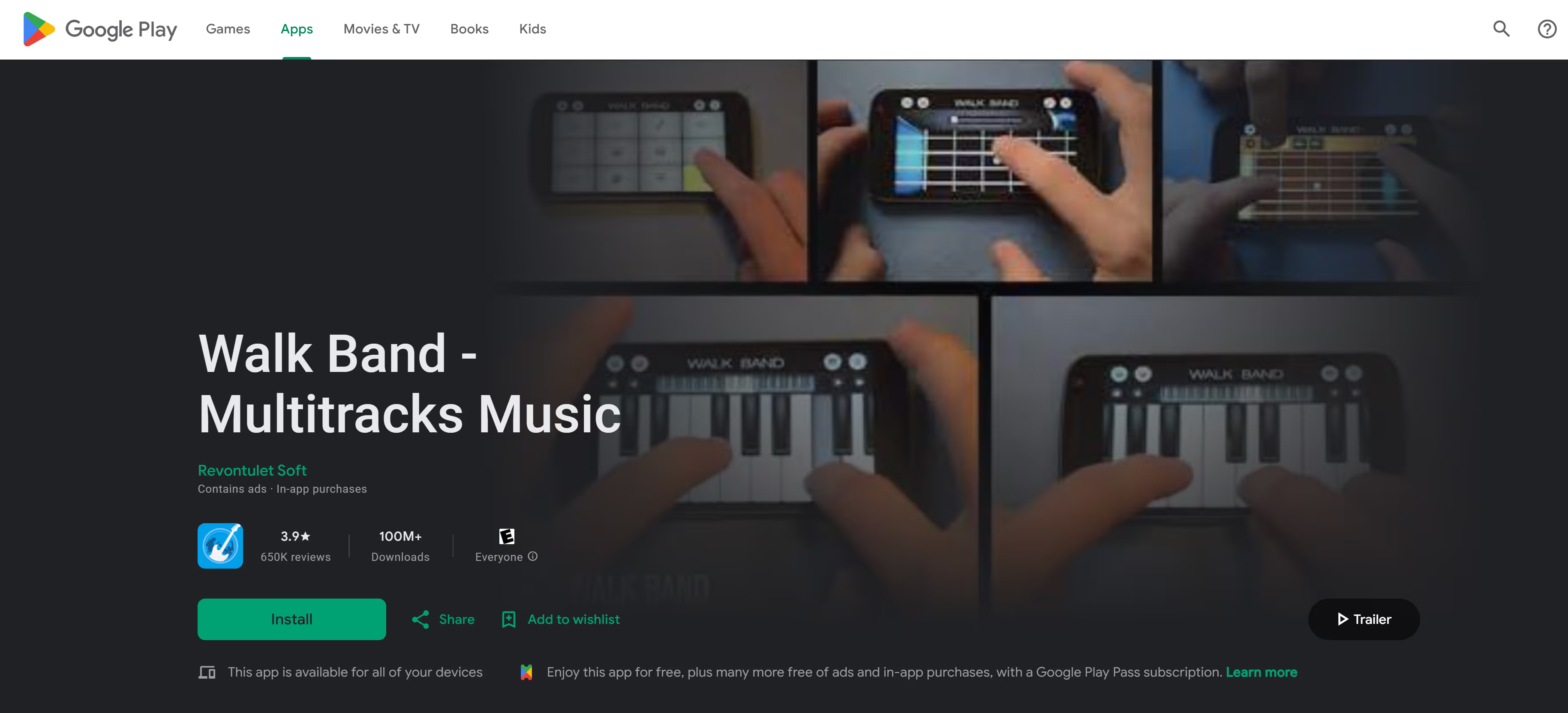
Walk Band is a straightforward music-making app that features virtual instruments like pianos, guitars, and drums. It's great for capturing ideas quickly or creating simple backing tracks without hassle. The app is intuitive, so even music production beginners can dive right in. It's not a full DAW, but it's an excellent songwriting tool, and it's on both Android and iOS.
#5 Groovebox (iOS Only)
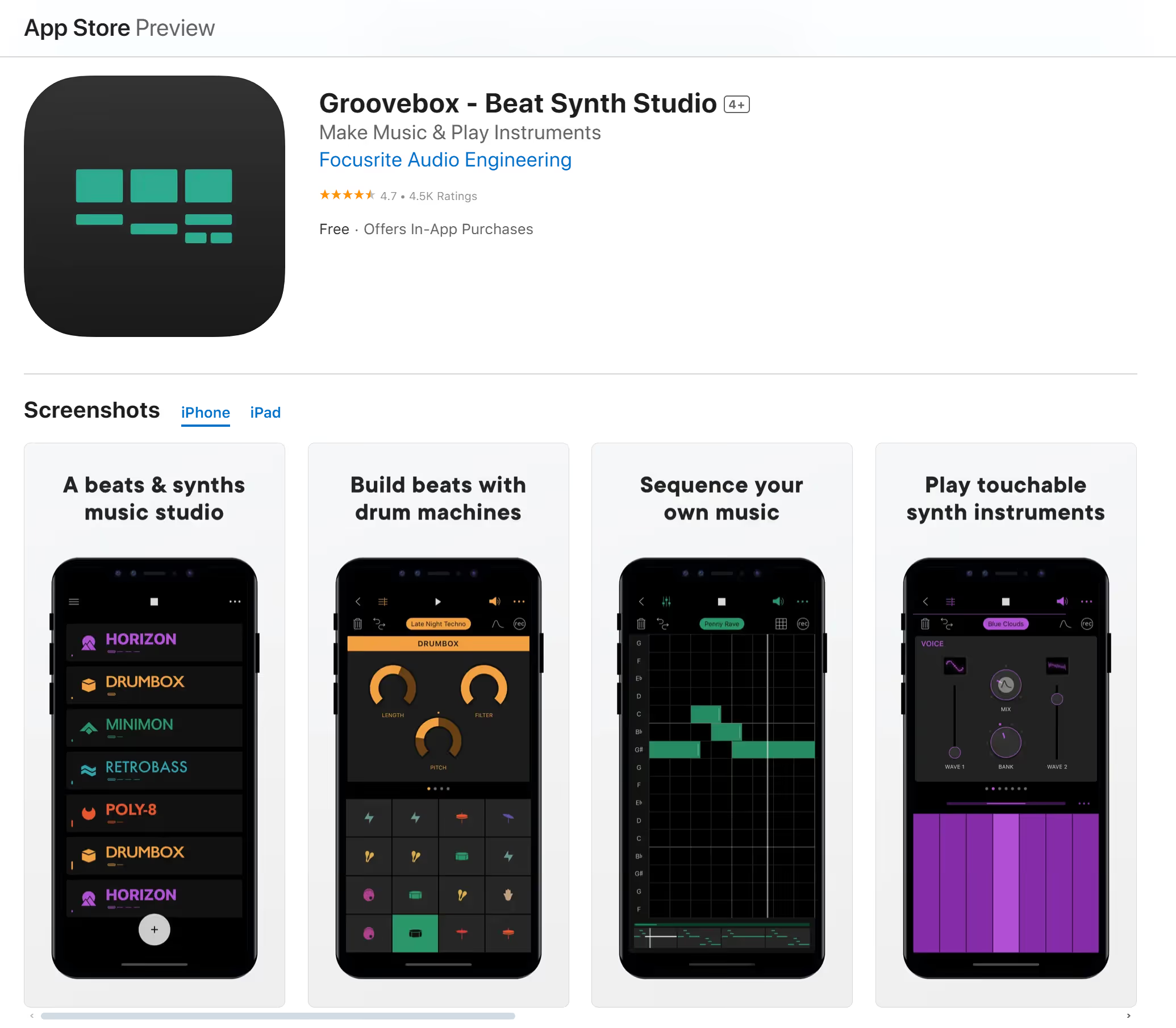
Groovebox is designed for electronic music producers who like to mess around with drum patterns and synth sounds. It’s meant to be easy and fun to make beats, with good-quality sounds and the potential to knock out a good loop in a few taps. It’s good for creating beats, stacking tracks, and experimenting with sounds.
The Verdict – Subscribe to SOUNDRAW and Start Your Mobile Music Production Adventure
SOUNDRAW brings you a next-generation mobile music platform. Even if you’re not convinced right now, it's worth your time to check out the process, and it won’t cost you a thing to create your first track using the platform—you don’t even need to create an account—give it a try and you’ll see why so many people are shifting away from PC and laptop-based production suites in favor of advanced AI-based platforms.
