AI music production has exploded in recent years, offering beginner beatmakers an easy on-ramp to create tracks without deep music theory or expensive gear. In this article, we’ll explore the top five AI beatmaking apps, highlighting their key features and why they’re great for newbies. These AI music tools can help you make beats in minutes by generating melodies, drum patterns, and full instrumentals with a few clicks. Let’s dive into the top AI beatmaking apps that can kickstart your music-making journey.
1. SOUNDRAW – Easy and Customizable AI Music
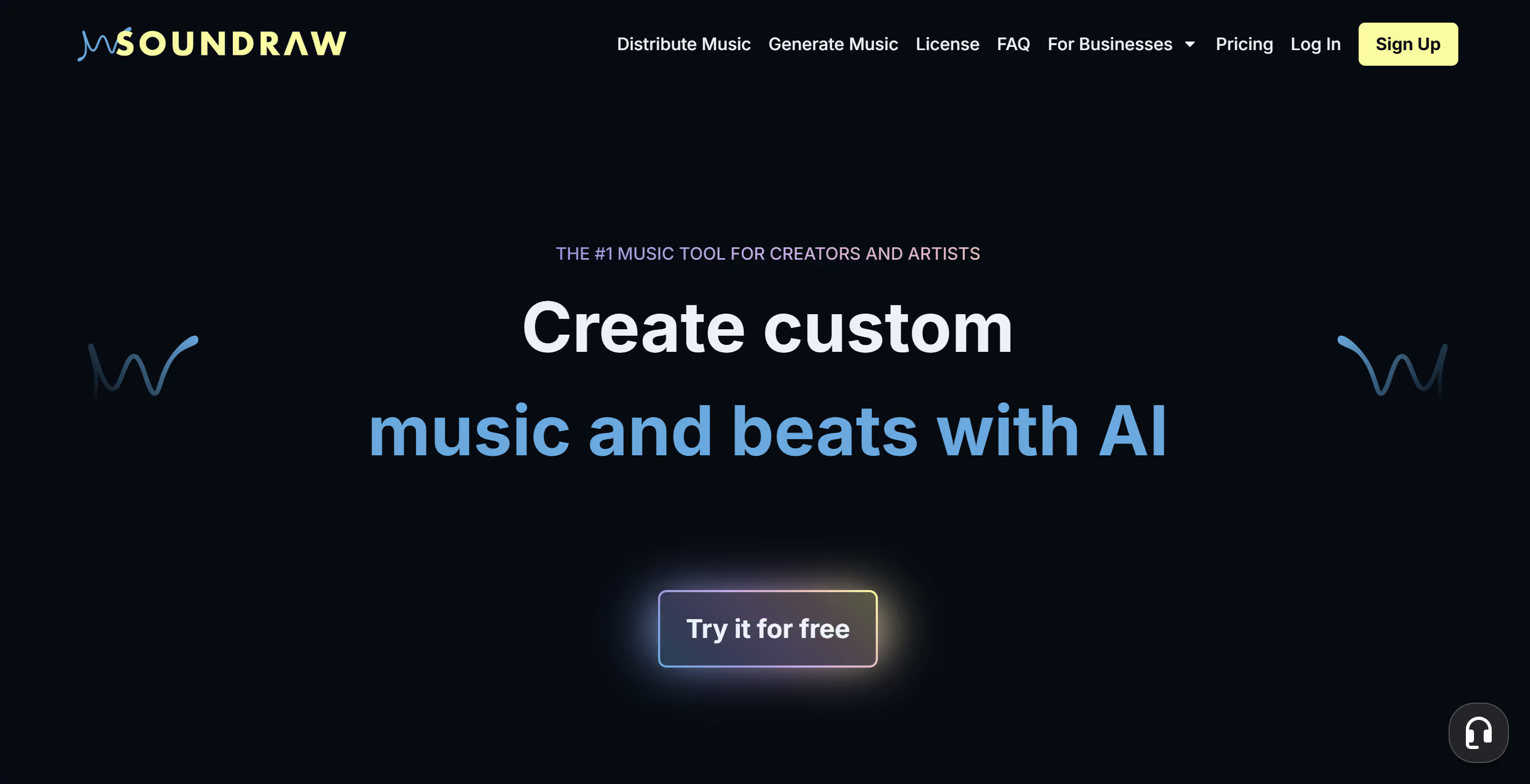
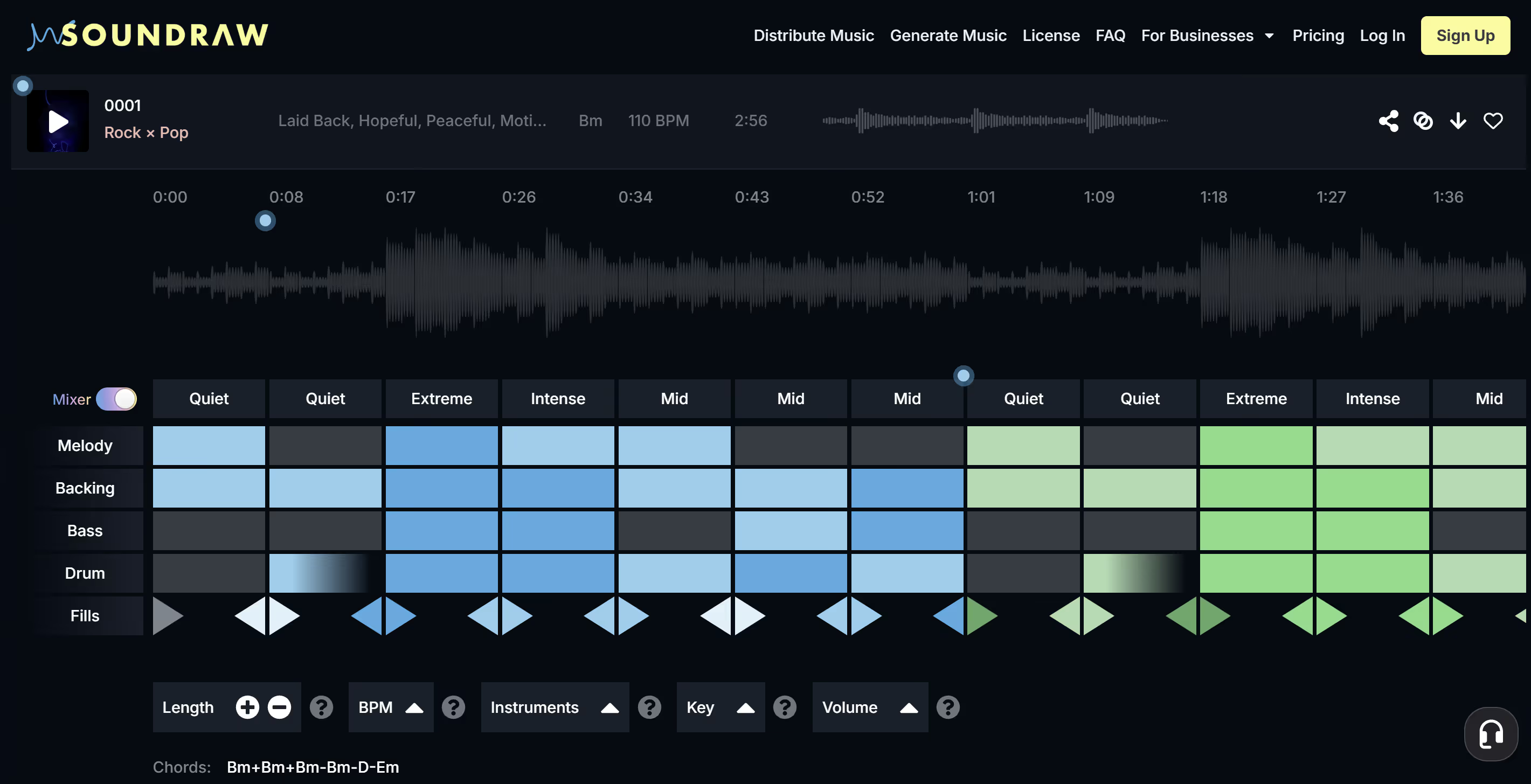
SOUNDRAW is an AI music generator that stands out for its user-friendly approach and powerful customization options. It allows you to generate unlimited songs by choosing a length, tempo, and genre, then letting the AI compose a track for you. For beginners, the interface is incredibly intuitive – you don’t even need to sign up just to experiment with track creation. Once SOUNDRAW suggests a song, you can tweak the music to your liking. The platform has an editing suite where you can remove or change parts of the song (for example, deleting an instrument section you don’t like) with simple clicks. This blend of AI-generated composition and manual editing tools makes it ideal for learning the ropes of production.
Beginners also appreciate that SOUNDRAW requires no prior music knowledge – it’s designed so that anyone can create polished music by just selecting some parameters. You can adjust things like tempo, mood, or instrument mix in real time and immediately hear the results. SOUNDRAW even offers a plugin for Google Chrome and integration with video editors like Adobe Premiere Pro, streamlining the workflow for content creators.
Pricing and usage: SOUNDRAW lets you generate and listen to tracks for free, which is great for brainstorming. However, downloading the music for use requires a subscription (no free downloads). On the plus side, any song you download as a subscriber comes with a license for permanent use in your content. In other words, once you’ve paid for a plan, the tracks are yours to use royalty-free forever in your videos, podcasts, etc.
SOUNDRAW itself retains the copyright to the music made on its platform, meaning you can’t re-sell the track or claim it as your own composition, but you are legally safe to use it in your projects without additional fees or strikes. This makes SOUNDRAW a convenient solution for beginners who want high-quality AI music without legal headaches. It’s often recommended as a top choice for novice producers stepping into the AI music revolution.
Why SOUNDRAW is great for beginners: It’s simple, fast, and actually fun to use.
Just pick a genre (say, Hip-Hop or EDM), set the mood (happy, chill, etc.), and let the AI do the heavy lifting. If the first result isn’t perfect, you can generate a bunch of alternatives in seconds. The quality of SOUNDRAW’s outputs is impressively high: many tracks sound as if a human producer made them. This means as a newcomer you can get inspiring, professional-sounding beats right away.
SOUNDRAW essentially levels the playing field for new music creators, giving you results that could rival a seasoned producer’s work, without the steep learning curve. It’s like having a virtual producer on standby, which is why we recommend giving SOUNDRAW’s free trial a spin if you’re curious about AI beatmaking.
SOUNDRAW also recently released its app for iOS and macOS, SOUNDRAW Grid. Check it out for precise loop and sample generation.
2. AIVA – AI Composer for Multiple Genres
AIVA (Artificial Intelligence Virtual Artist) is one of the pioneering platforms in AI music composition. It’s famous for being able to compose entire tracks in various styles, from classical and jazz to pop and electronic beats. For beginner beatmakers, AIVA provides a way to generate music ideas or full backing tracks without needing to write any notes yourself. You can start with a preset style or genre, and AIVA’s algorithm will create a unique composition for you. Users have praised the surprising quality of AIVA’s output, noting that many tracks sound quite professional. If you’re into film soundtracks or game music in addition to beats, AIVA is particularly strong in those areas, but it also covers genres like Electronic, Ambient, Rock, and Jazz for more standard song creation.
One beginner-friendly feature of AIVA is its ability to let you edit the AI-generated music afterward. AIVA can output each instrument track as MIDI, which you can then tweak using a digital audio workstation (DAW). Essentially, it works a bit like a virtual producer that hands you a multi-track project, and you can change the instrumentation or arrangement if desired. This is great for learning, because you can see how the AI constructed the beat and then modify it to better fit your vision. For example, if AIVA creates a cool drum pattern but you want a heavier bassline, you can import the MIDI into your DAW and swap out the bass or edit notes directly. It’s a nice bridge between completely AI-made music and human creativity.

Another plus is that AIVA offers a functional free version. Beginners can use AIVA’s free tier to compose shorter pieces or a limited number of tracks per month (the specifics may change over time). This means you can try it out and even download some AI-generated beats without paying, as long as it’s within the free usage limits. The free version’s existence makes AIVA accessible if you’re on a budget. As you grow more confident, AIVA also has paid plans with more features (like longer compositions, commercial licensing, etc.), but you might not need that right away when starting out.
Why AIVA is great for beginners: It’s a solid introduction to AI music because of its genre versatility and quality. You can experiment with tons of styles – have AIVA whip up a jazz backing track, then switch to producing a trap beat – all within one platform. It’s inspiring to see what the AI comes up with, and it can spark your own creativity.
Also, because AIVA has been around since 2016, it has a track record of continuous improvement. Many users trust it for generating ideas quickly without worrying about music licensing. In fact, AIVA’s music can be used without going through complex copyright processes, which is a relief for content creators. In short, AIVA is like having a seasoned composer buddy who can generate compositions on demand, letting you focus on choosing the best ideas and building on them.
3. Boomy – Make Songs in Seconds and Even Monetize Them
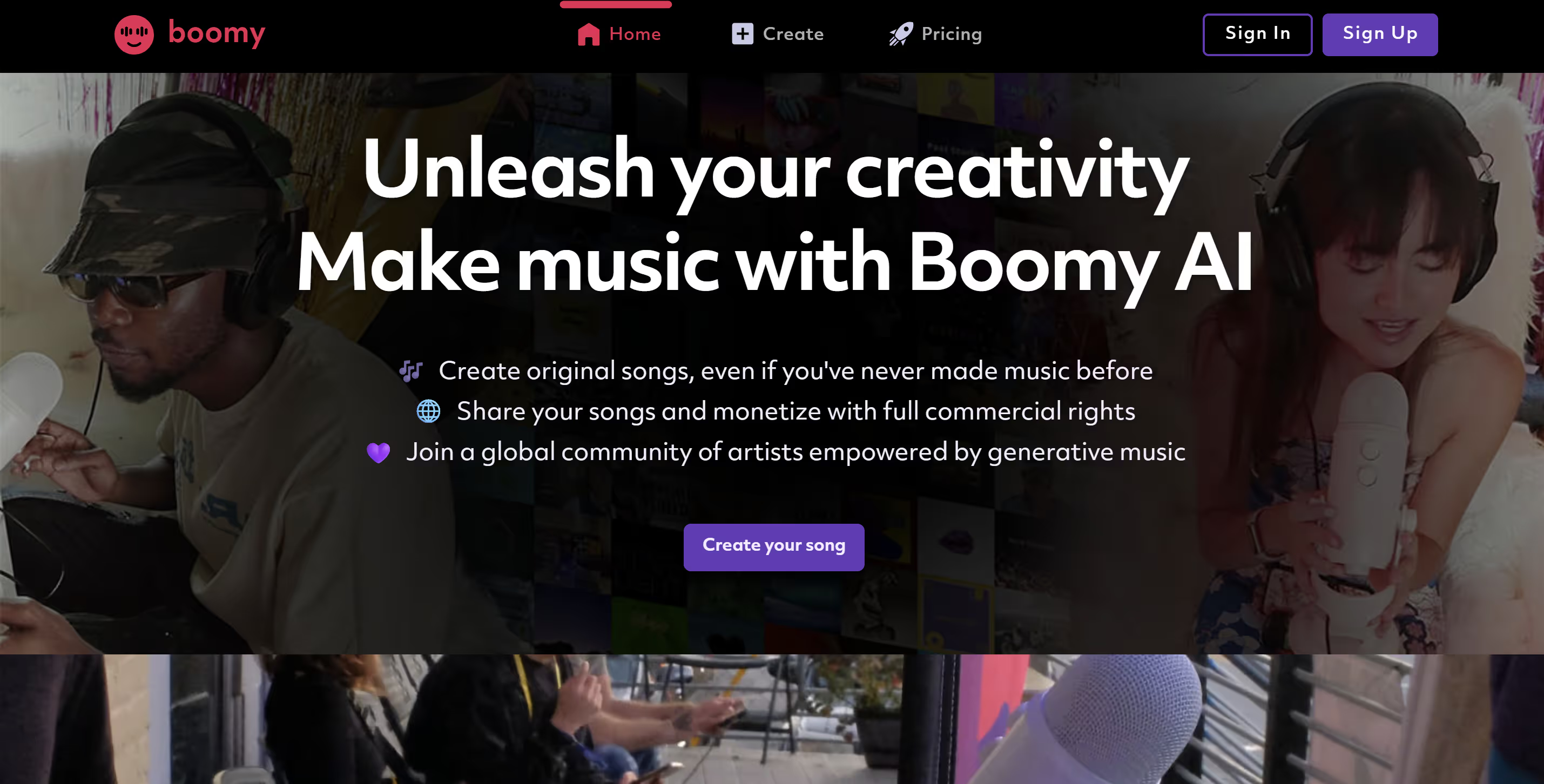
Boomy is an AI music app that has made headlines for enabling anyone – even total beginners – to create original songs within seconds. Its ease of use and unique features make it one of the best AI beatmaking apps for newcomers who want quick results. With Boomy, you start by picking a few options like a genre (Boomy offers categories such as Electronic Dance, Rap Beats, Lo-Fi, etc.) and a mood or style. Then you click “Create Song,” and Boomy’s creative AI will write and produce a full song for you in seconds. It’s almost instant gratification. After generation, you have the option to listen and either save the song if you like it or reject it if it’s not your vibe – and then generate another. As you do this more, Boomy learns your preferences and develops a personalized profile to better cater to your taste.
One aspect that sets Boomy apart is that it doesn’t stop at creation; it also helps you share and monetize your music. Boomy allows users to submit their AI-generated songs to major streaming platforms (like Spotify, YouTube, TikTok) directly through the app, where you could potentially earn royalties if people stream your tracks. In other words, Boomy users have actually gotten their AI-made beats onto Spotify and collected some revenue, which is a huge confidence booster for a beginner producer.
Boomy essentially lowers the barrier to entry for music distribution – traditionally, you’d have to produce a track, pay for distribution or sign to a label, and promote it. With Boomy, you can literally have a track made in minutes and released to the world. (Do keep expectations realistic, though – earning significant money from streams requires a lot of plays, but the fact that it’s possible at all with a few clicks is amazing.)
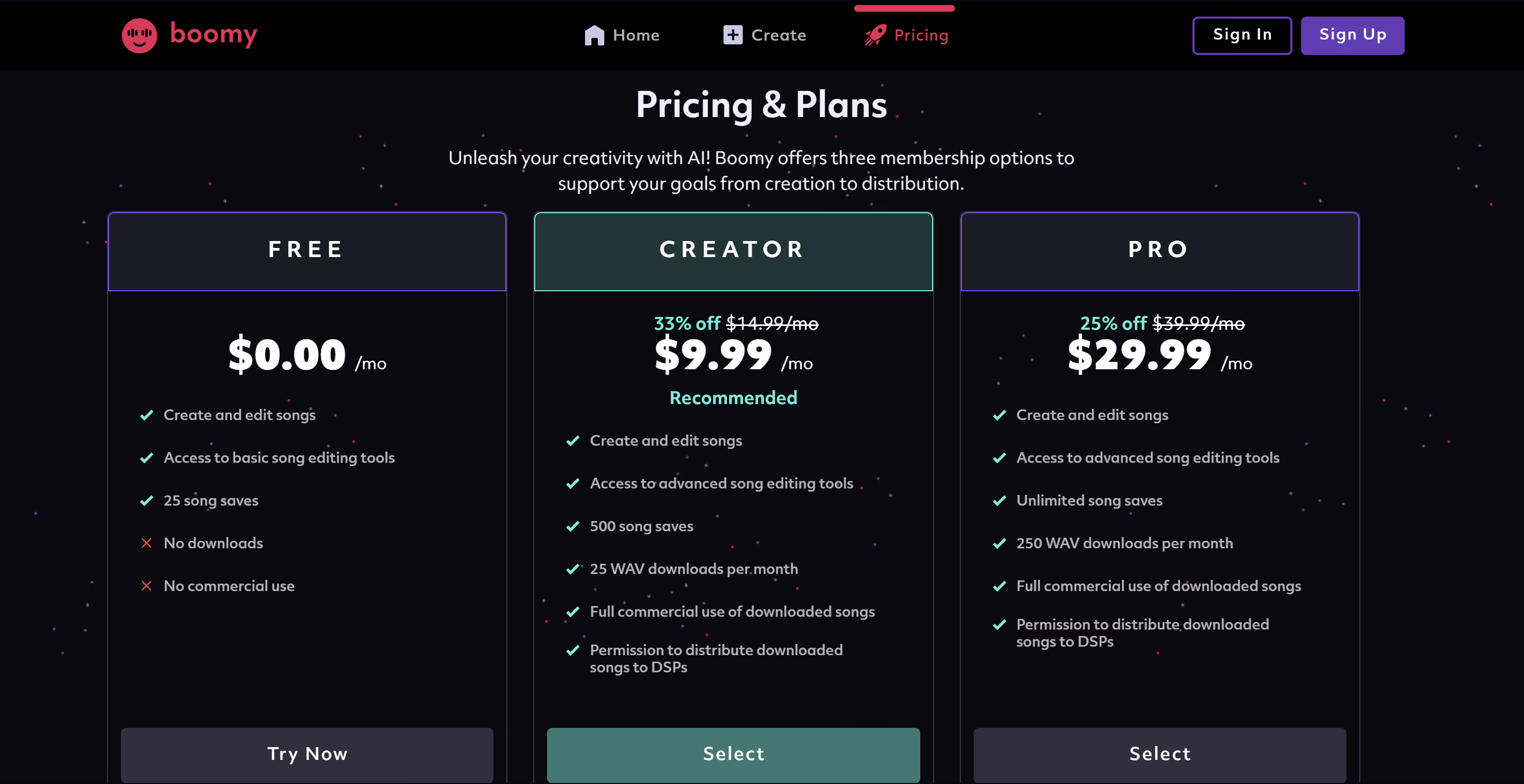
Free vs paid: Boomy offers a free tier alongside subscription plans. On the free plan, you can create a certain number of songs per day and save a limited number of them (the exact limits can vary – one report mentioned up to 5 saved songs and 1 release on the free plan, while another noted a cap of ~10 song generations per day). The free version is generous enough for casual use: you can experiment and even release one track without paying. If you get serious, Boomy’s paid plans (like “Creator” or “Pro”) allow more song downloads in high quality, more releases, and other perks at a reasonable monthly cost (around $9.99/month for the Creator plan as of recent info). But as a beginner, you might be perfectly happy sticking to the free plan to hone your skills.
Why Boomy is great for beginners: It’s arguably the most straightforward AI beat maker – you literally just make a few menu selections and let AI do the rest. If you have zero musical experience, Boomy is a non-intimidating way to create your own beats. The interface doesn’t overload you with technical knobs; it abstracts the complexity. Plus, the immediate feedback (song plays just after a few seconds of generating) is exciting and keeps you motivated. Boomy’s also a fun tool for learning by doing – you can generate multiple versions of a beat, listen to what changes with different settings (maybe compare what a “Lo-Fi” beat sounds like vs. a “Rap Beats” track), and start understanding production elements by ear. Finally, the fact that Boomy’s music is your original creation that you can use and share is empowering. Boomy’s songs come out royalty-free for you to use – you won’t get hit with copyright strikes for using your Boomy beats in your videos or podcasts. All these factors make Boomy a top pick for newbies exploring AI-generated music.
4. Mubert — Instant, Infinite Beats and Long-Form Streams
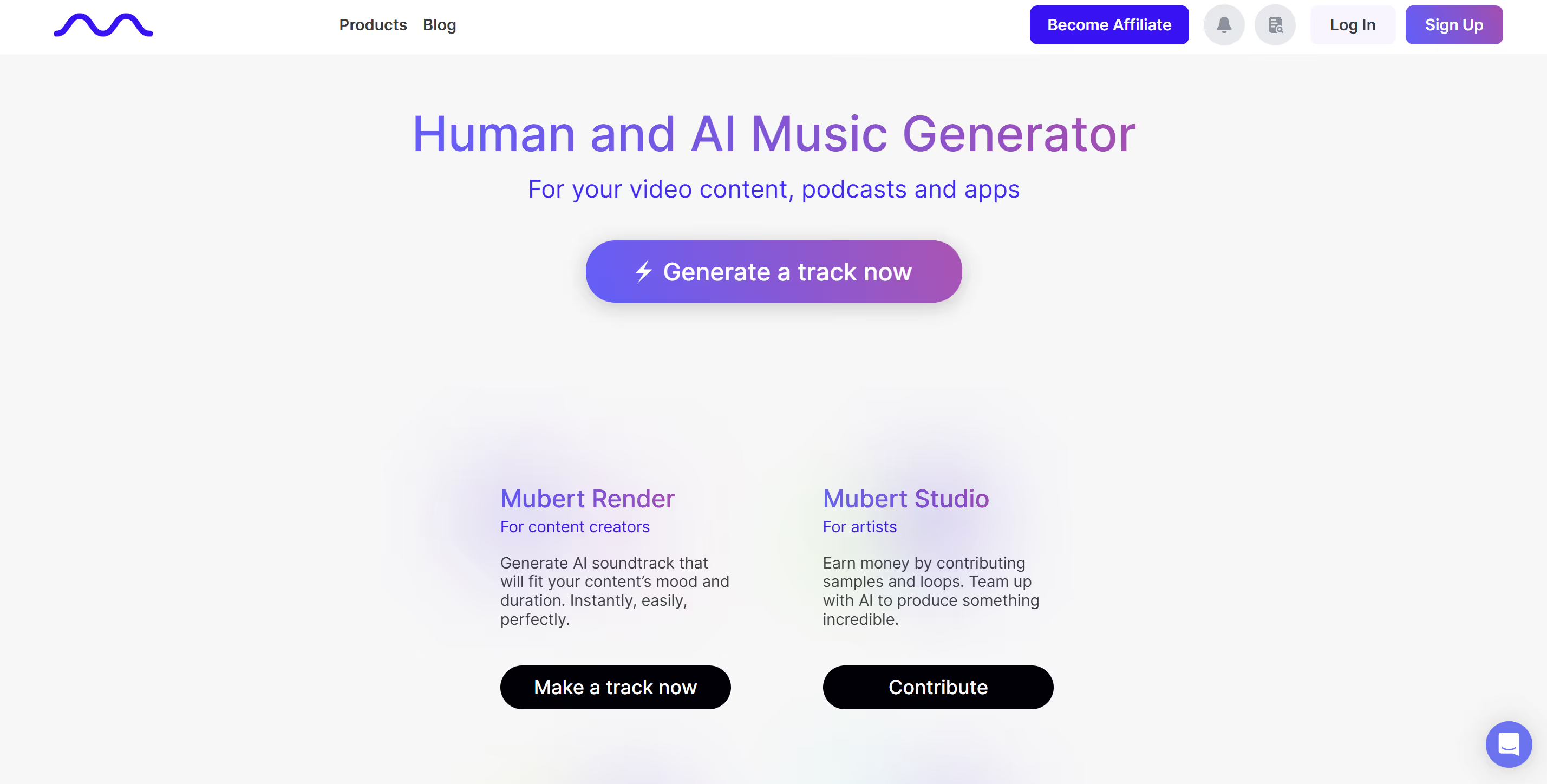
Mubert positions itself as a royalty-free “AI music studio” that can crank out an unlimited stream of genre-perfect loops, full-length tracks, or even hours-long broadcasts in seconds. Inside the free Mubert web app you pick mood, genre, length, and a target platform (YouTube, TikTok, podcast, etc.); the engine then stitches together licensed micro-samples from its catalog to deliver a seamless, original instrumental—no two renders are identical, even with the same settings.
For beginners, the Standard (free) tier is surprisingly generous: unlimited track generations and one downloadable MP3 per month, all cleared for personal or commercial use with a perpetual licence. Upgrade paths are straightforward—about $11 USD/month unlocks 100 MP3/WAV downloads and access to 150-plus style presets, while the Pro API lets indie devs or SaaS tools bake “generate music” buttons directly into their own apps. Every file you export remains royalty-free forever, so you can monetize on ads, streaming platforms, or storefronts without back-end reporting or PRO paperwork.
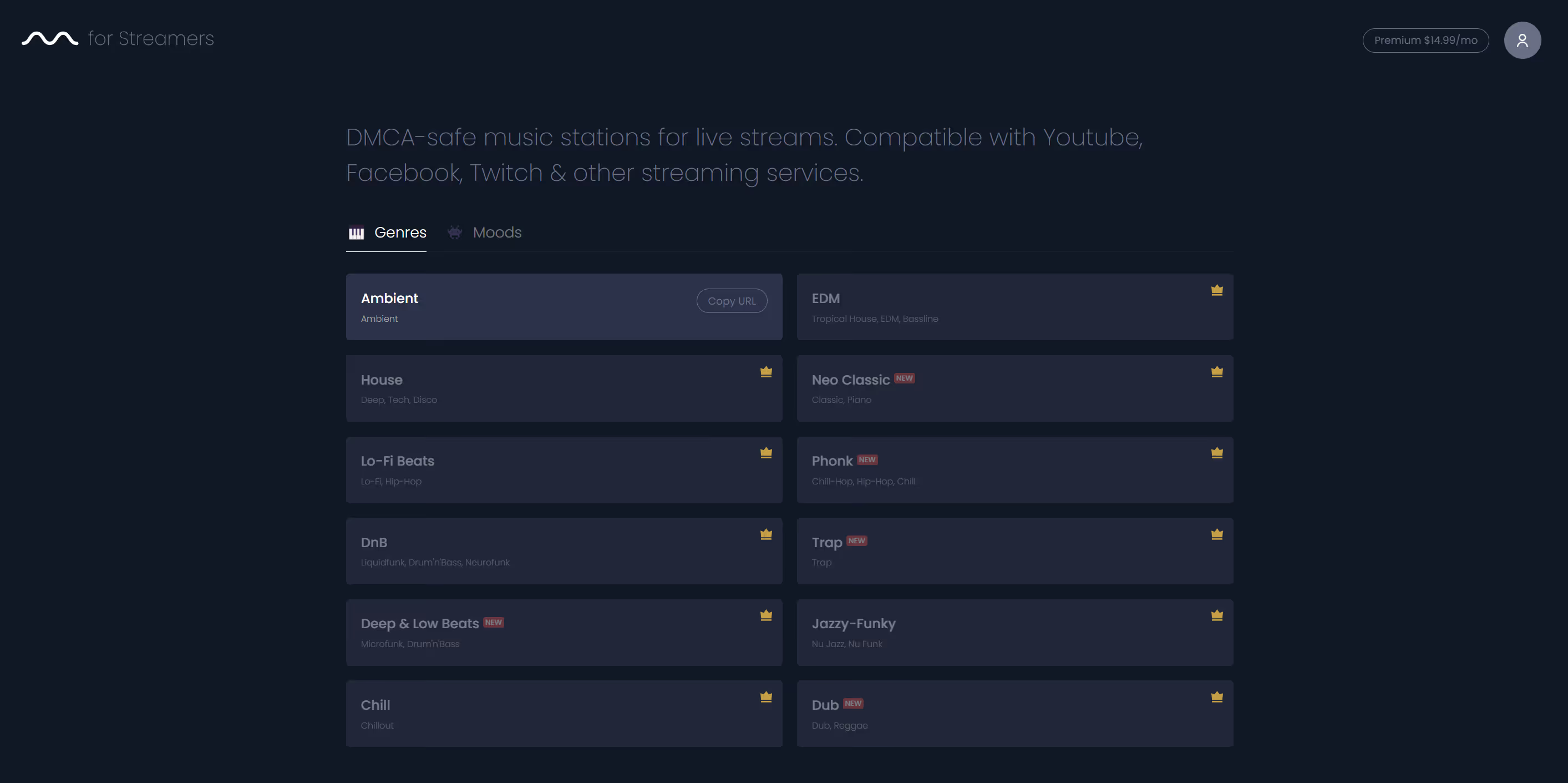
Where Mubert really shines is live use-cases. Mubert Streamers offers an endless DJ-style channel that never repeats—perfect for Twitch sessions that run six hours or more; you simply set a vibe and let the music flow while automatically avoiding DMCA strikes. Creators who want more control can dive into Mubert Studio, tweak tempo, key, or chord progressions, and export isolated stems for deeper remixing in a DAW—handy if you decide to layer vocals or swap drum kits later on.
Because Mubert’s catalogue is built from pre-cleared samples licensed directly from contributing producers, every output is 100 % safe for Content-ID, making it an excellent “set-it-and-forget-it” solution for vloggers, short-form editors, and even mobile app devs who need background loops at scale. If you’re experimenting with AI beatmaking for the first time, Mubert’s combination of infinite previews, live streaming mode, and straightforward licensing earns it a well-deserved spot on any beginner’s short list.
5. Loudly – Quick Song Maker with Genre Blending
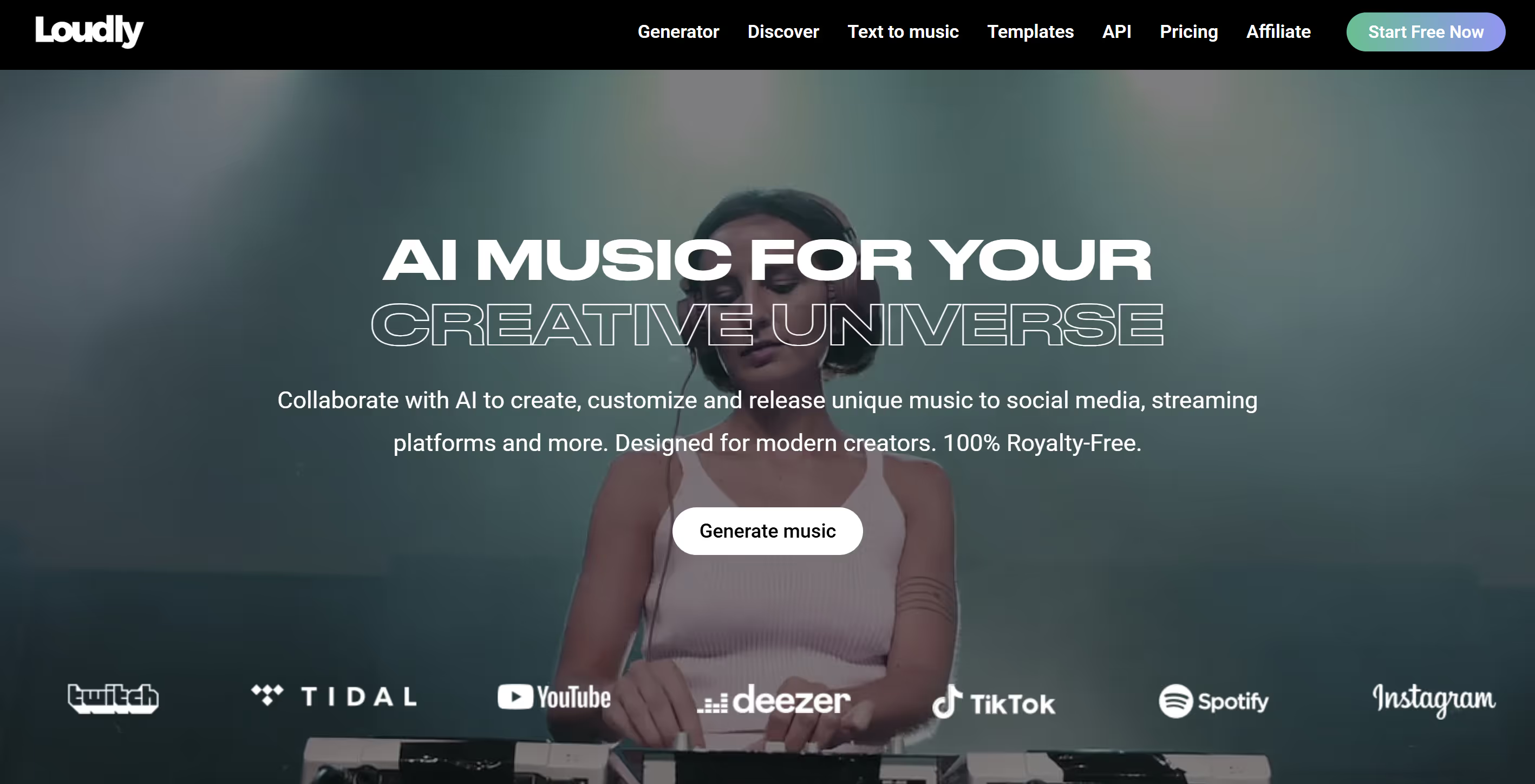
Loudly is a popular AI music app that can create full songs in a matter of seconds. It’s known for a vast library of over 170,000 curated audio loops and a smart engine that pieces them together into coherent tracks. For beginners, Loudly provides a very easy-to-use workflow. You start by building your song through a few choices: select a genre (or even a combination of genres) and set an energy level or vibe, and Loudly will generate a set of new music tracks for you to preview. If you like one, you can save it to your library or download it immediately. The app encourages quick iteration – don’t like the first result? Tweak a setting or hit generate again, and you’ll get a fresh track.
One cool feature of Loudly is its genre blending capability. You’re not limited to strict genre definitions; you can experiment by mixing styles (for example, a rock-hiphop fusion with a certain energy level) to see what comes out. This can lead to really unique beats that you might not have thought of yourself. While not every generated track will be a hit, the creative combinations sometimes produce gold, and at the very least they can give you ideas to build on. Loudly’s system uses a mix of traditional music production rules and AI (including techniques like generative adversarial networks) to ensure the compositions are musically meaningful, not just random loops thrown together.
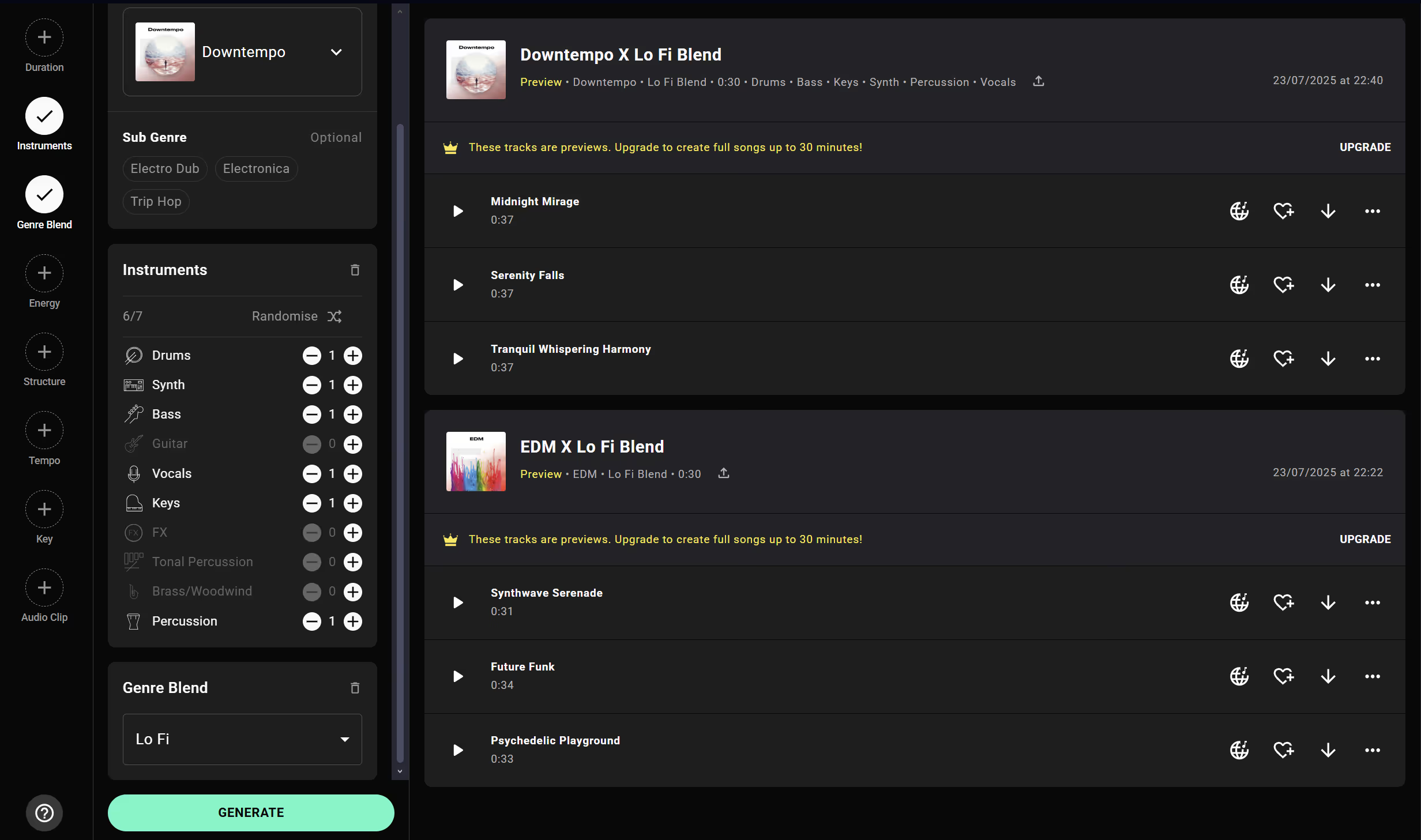
For newbies, another advantage is that Loudly offers multiple subscription plans, including a free one. The free plan allows you to use the basic features and generate tracks (with some limitations on downloads or usage). This means you can get started with Loudly without pulling out your wallet, and only upgrade if you find the service valuable. The presence of a free tier is great for students or hobbyists who just want to toy around with AI-generated beats. Loudly’s paid plans unlock higher-quality downloads and more frequent use, which you might consider as you progress.
In terms of output quality, Loudly’s results are generally high-quality and ready to use. Many users utilize Loudly to generate background music for videos, intros for podcasts, or beats for rap songs. Because Loudly’s music is cleared for use when you’re a subscriber, you won’t face issues using the tracks in your creative projects. Loudly even addresses the modern need for speedy content creation – their engine is rapidly evolving and known to pump out new tracks quickly and reliably.
Why Loudly is great for beginners: It’s practically plug-and-play for beatmaking. The interface might feel like a simple music game – pick some styles, hit a button, and music comes out. This immediacy keeps beginners motivated. You get to hear a tangible result right away, which is rewarding and can spur you to tweak and learn more. Loudly also exposes you to how different inputs affect the music (you’ll start to sense how upping the “energy” makes the beat more intense, or how combining genres yields interesting rhythms). As you save and dissect the tracks you like, you naturally learn elements of song structure. And if you ever get stuck, Loudly’s huge loop library means you can always try another angle or style. In summary, Loudly is an awesome sandbox for aspiring producers: it’s free to try, easy to use, and capable of producing everything from a chilled-out lo-fi beat to a dancefloor banger. It deservedly earns its spot among the top AI beatmaking apps for beginners and beyond.
Conclusion
These five AI beatmaking apps – SOUNDRAW, AIVA, Boomy, Mubert, and Loudly – are empowering creators of all levels, especially beginners who are just getting into music production. They each have their unique strengths: SOUNDRAW for customization and ease, AIVA for genre-spanning composition, Boomy for quick creation and distribution, Mubert for perfect streaming content, and Loudly for fast, fun genre-blending experiments. By leveraging AI music tools, even a complete newcomer can produce a decent-sounding beat or instrumental in a short time. Many of these apps offer free plans or trials, so you can test them out and discover which fits your workflow best.
AI beatmaking apps are not here to replace human creativity – instead, they serve as creative partners that can help break through writer’s block, provide instant backing tracks, or just make the process of learning music more enjoyable. For a beginner, they drastically lower the barrier to entry: you can focus on ideas and style, rather than getting lost in technical details. As you try out these tools, you’ll likely find that they not only output music, but also teach you about song structure, instrumentation, and arrangement in the process. So go ahead and explore these top apps. Whether you want to craft a viral TikTok sound or just jam in your bedroom, AI beatmakers can be the spark that ignites your musical journey. Happy beatmaking!