

So, you're looking to get into rap production, but do you understand what it takes for a beat to make it big? A great rap beat isn't background music—it's the epicenter of the song, the foundation that lets an artist wild out on the mic. But making banging rap beats takes time, patience, and a whole lot of trial and error, and if you're working with other producers or rappers? That's a whole different set of problems.
Now with AI-powered music software, beats can be made in seconds, but does that mean the death of the craft? Let’s break it all down—what goes into a dope beat, the pitfalls of learning production, the downside of working with others, and how AI is shifting the game.
What Makes a Hard Rap Beat?
Not all beats are equal. Some slap, and some don't. To make fire beats, you need to know the secret ingredients that set the classics apart from the forgettable ones.
Drums – The Knock Factor
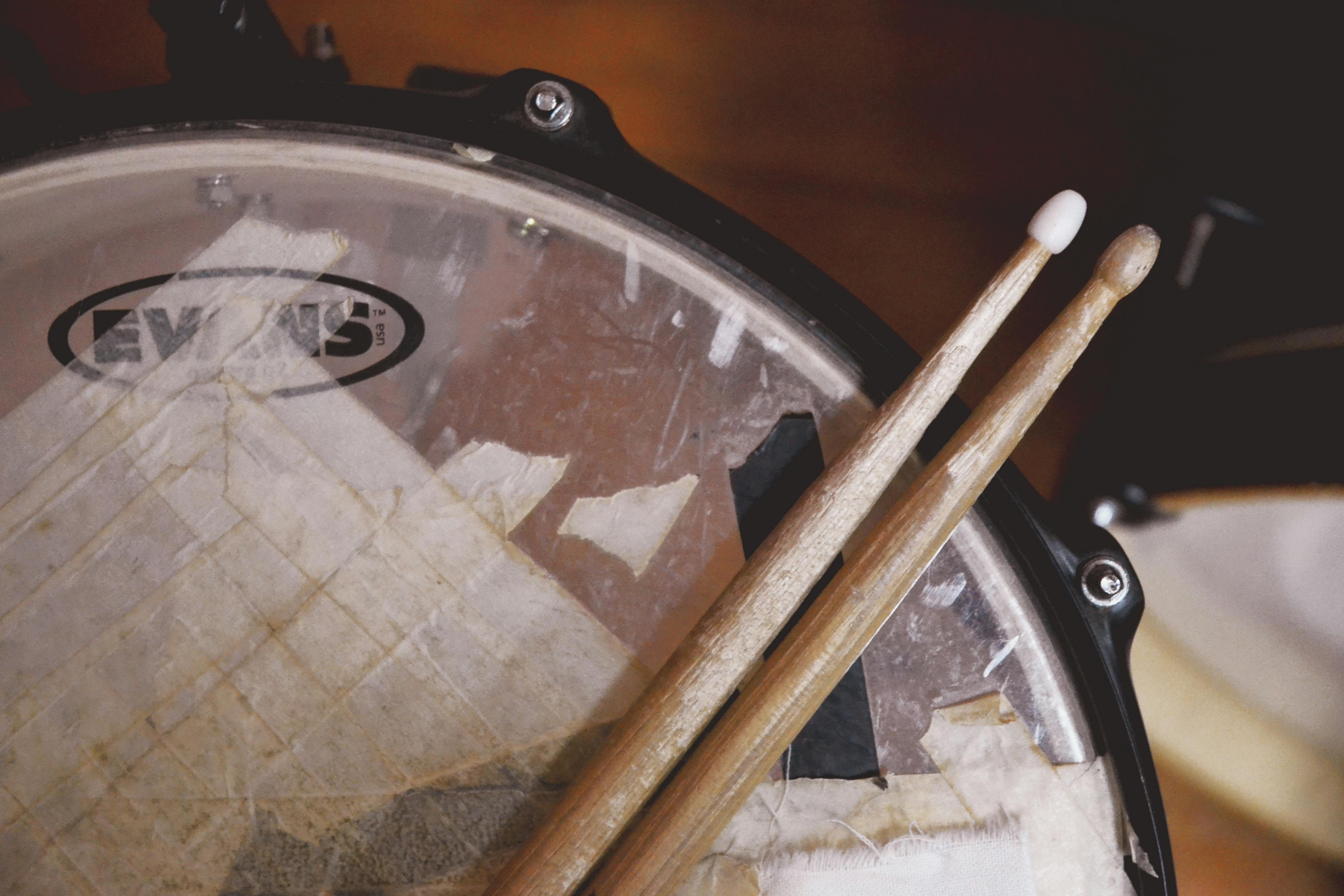
If your drums are soft, your beat is soft. Period. A rap beat dies and lives by its kick, snare, and hi-hats—you gotta have that knock to get people to feel it. The kick delivers the rhythm with that chest-beating punch. The snare offers the snap, keeping the rhythm locked in. Hi-hats and percussion add movement and propel the track forward.
Most modern beats are founded on rolling hi-hats (especially in trap), while old-school boom-bap beats have more swing and groove. Get this section right, and you're halfway there.
The Bass – That Low-End 808 Rumble
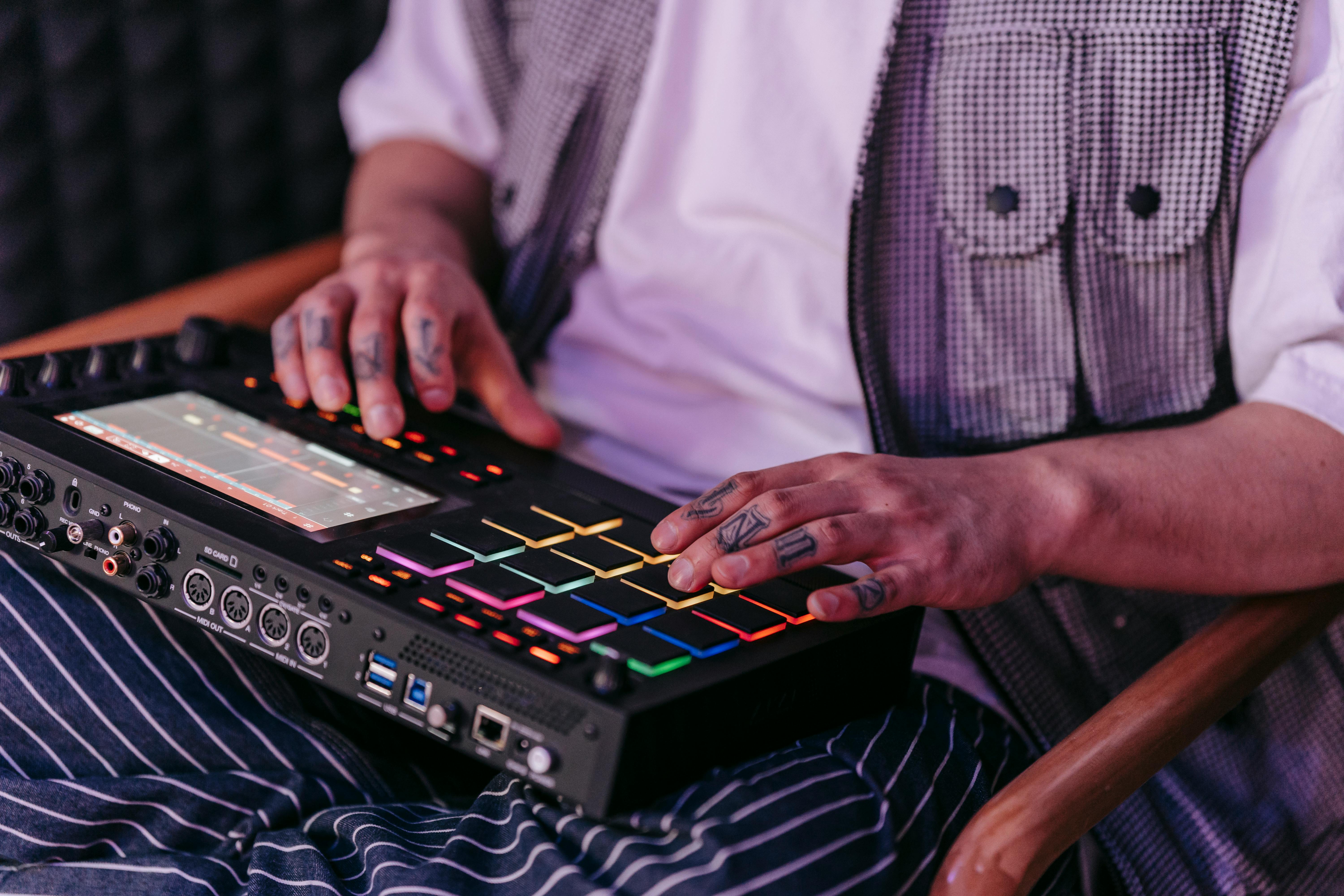
A slamming bassline can make a beat go from ok-ish to insane. Whether it's deep 808s or a heavy bass guitar, this element ties everything together. In trap beats, the bounce is provided by long, sliding 808s. You might hear a sampled bassline in boom-bap that grooves underneath the drums. The best beats have the bass and drums work together so it hits in the pocket.
Melody – The Secret Sauce

A dope melody is what separates a mediocre beat from a hit. This is where you add pianos, synths, strings, or sampled loops to give your beat personality. Soulful and jazzy for that laid-back, storytelling feel, dark and spooky for a street anthem, or epic and orchestral for stadium-level tracks.
Some producers keep it simple with a loop that just repeats for the whole song, and some layer and switch it up. Either way, it needs to lock in with the drums and leave space for the artist to breathe.
Extras – The Little Things That Count
A beat needs movement. You don't want the same loop to play for three minutes straight with nothing changing things up. Add some drops, switch-ups, or vocal chops to continually shift the energy.
The Grind of Learning to Make Beats
Alright, so you wanna start making rap beats—but let's be real, it's a grind at first. You're gonna make a lot of trash before you start throwing heat.
Find your style – Everybody starts off copying other producers. That's fine, but at some point, you must develop your own sound.
Mixing problems – Your kicks are too quiet, your bass is too loud, or everything sounds muddy. Learning EQ, compression, and leveling is what separates the pros from the beginners.
Making beats rappers will actually want to buy – A sick beat is great, but if an artist can't flow on it, it's worthless. Learn to leave room for vocals.
The only way to get better? Produce beats every day. Study producers you look up to, watch tutorials, and try out different techniques. The more you produce, the better you'll get.
Why Working With Others Ain't Always Easy
Collabs are great until you're dealing with producers who try to dictate every small detail or rappers who ghost you after they've requested free beats.
Here are some common issues you’ll need to side-step.
Producers not getting credit – You make a beat, send it to someone, and the next thing, it's dropped and your name isn't on it.
Artists who don’t respect the craft – There are some rappers who think making beats is just about pushing buttons and don’t believe in paying for production.
Too many opinions – Working with multiple producers or artists on a beat can turn into a mess in no time. Collabs can also artistically challenge you. Just make sure that you’re working with people who respect your time and talent.
Traditional Beat-Making vs. AI-Generated Beats
Producers would previously take hours digging through the crates searching for old obscure vinyl to sample or spend days programming drum machines to make beats from scratch. Today, AI-powered programs like SOUNDRAW generate whole instrumentals in seconds. Sounds crazy, right?
How Long Does It Take to Make a Beat?
Studio Equipment at Home: 30 minutes to several hours, depending on complexity.
AI Beat Apps: Less than a minute—press a button, and the beat is ready.
Some people like the convenience of AI-generated beats, while others say it kills creativity. The reality? AI software is just another option. They can speed things up, but they’ll never replace the ear of an actual producer.
The Connection Between Beats and Lyrics

A beat is useless if an artist can't ride it nicely. Good producers provide space for the rapper's flow instead of filling up every second with sound.
Cadence and tempo – A beat that is too slow or too fast can disrupt an artist's delivery.
Drops and pauses – These can make a track hit harder when timed correctly.
Matching the mood – An abrasive beat won't suffice for deep, contemplative lyrics and vice versa.
If you're making it for yourself, you can shape the production around your own flow. If you're making it for others, you have to know how to make a beat that's suitable for their style.
Start Experimenting with SOUNDRAW Today
Making rap beats is easy with SOUNDRAW, just head over to the official website to get started. You don’t even need to register an account to try the features of the tool. Rap production has never been this easy, this affordable, or this technologically advanced. Let’s walk you through why you need to check out SOUNDRAW right now.
Simple Click-Based Prompting
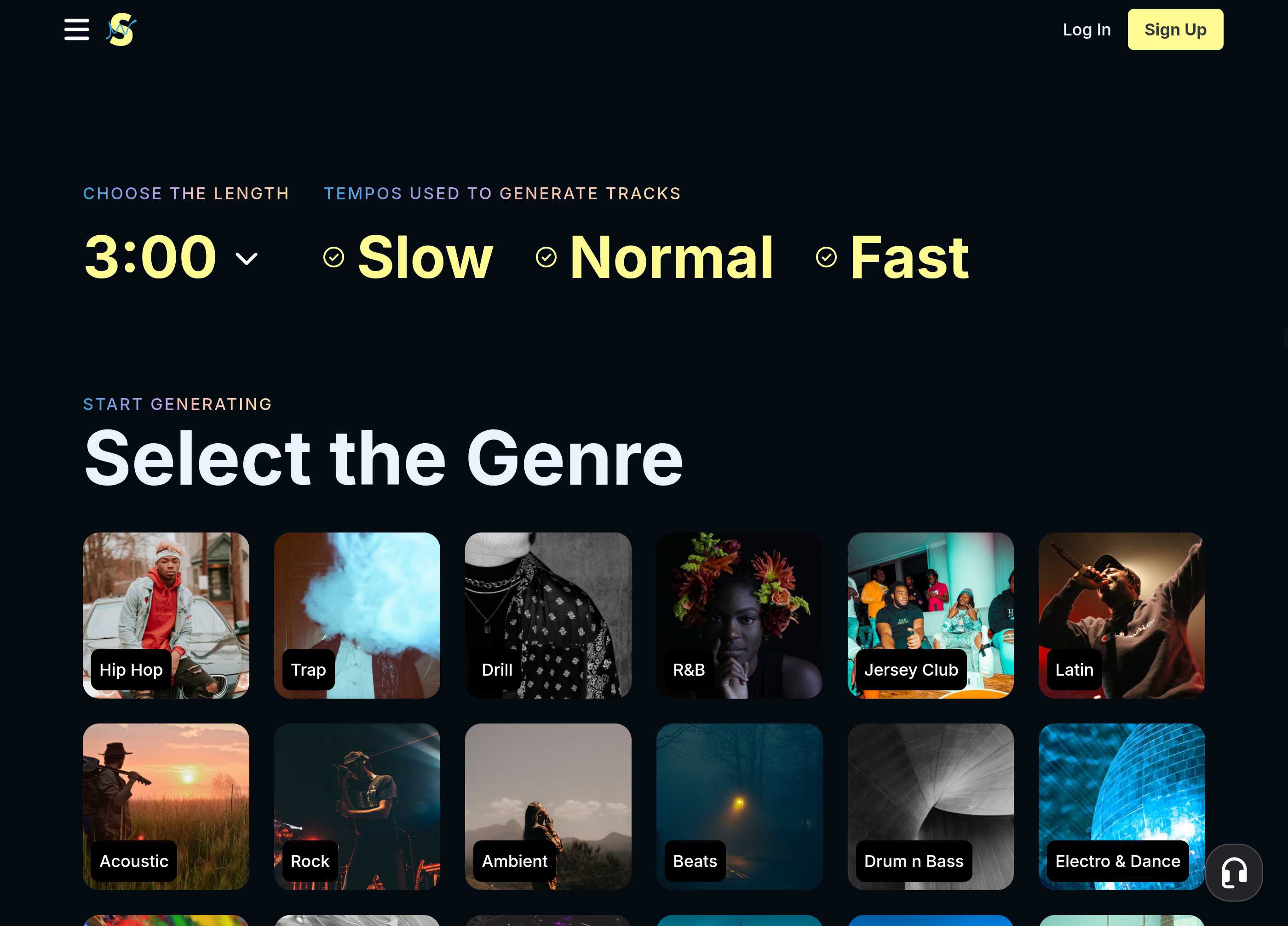
When you land on the homepage and click the “Create Music” button, the platform pulls you through to the creator interface to start the prompting process. From there, you select the length of the track and its tempo, before selecting one of the genre thumbnails below. There are more than 20 genres and when you click one it pulls you into the creator studio where you’ll see six AI-generated tracks, ready for listening.
There’s no typing in text-based prompts, it’s all click-based and easy to use. We mean it when we say a six-year-old could use it.
Easy Editing with no Learning Curve
Preview your tracks with a simple click and use the tabs on top to change things up. You can add extra genres to your track or adjust the mood to switch up how it feels. What’s amazing about SOUNDRAW is that there’s practically no learning curve—I mean—we're almost done with showing you how to use it already.
World-Class Post-Production Tools with Clean UX
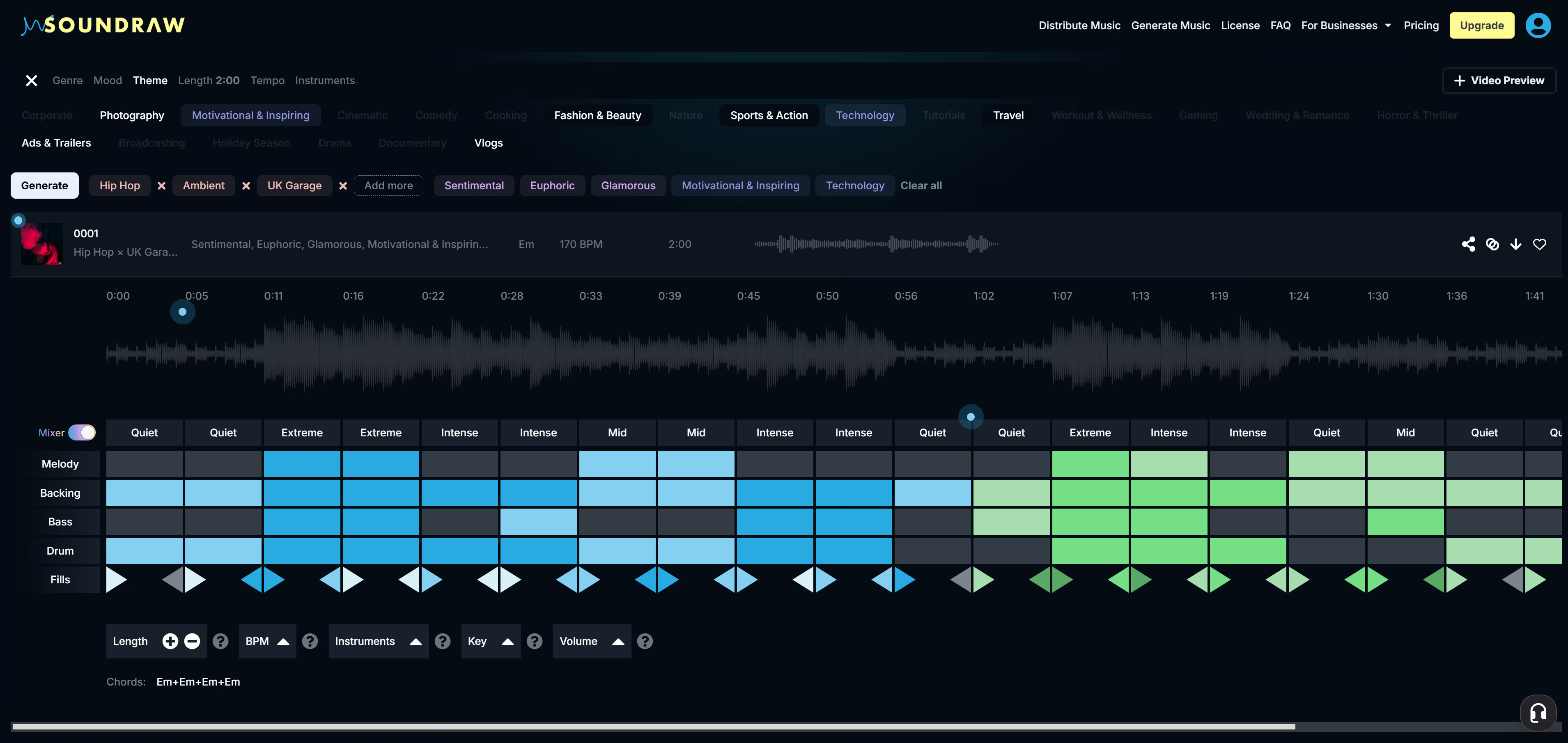
The final step in the creative process—and where SOUNDRAW really stands out from the rest of these tools—is the post-production process. The Mixer tools in your creator dashboard are below the track, appearing as a grid.
Like the other editing tools you just used, they’re all click-based and easy to get the hang of. The grey and blue blocks you see correspond to each of the five elements in a specific section of the track. If you click the boxes, you can change the feel of each element in each section.
The tools below the grid let you change the tempo and track length and adjust the key of the music. You also have the option of adjusting each of the five elements independently in each section. It’s a feature-rich post-production tool that’s simple to use, and highly effective for producing unique beats for any project.
Light on Resources with Cloud-Based Production
How long did that take us? Maybe ten minutes tops? That’s how easy it is to use SOUNDRAW. Now that you’re done, save your project by tapping the heart icon, and the platform will add it to your library.
Try SOUNDRAW for Yourself Right Now and Subscribe!
At this stage, you have to sign up for an account to access your work and if you want to keep using the platform, you’ll need to take one of the affordable subscription plans. SOUNDRAW offers two options where you can use the tool as described in the “Creator” package—that will cost you $12.99 per month. Or the “Artist” packages, which start at $25.99.
If you’re just looking to create beats, go with a Creator subscription. But if you want to add your vocals to your beats and create full AI-enhanced rap songs on the platform, you’ll need an Artist subscription.
Still, you can try it for free to see if you like the process, and that’s not going to cost you a cent. Go ahead, give it a shot, and experience the power of mobile AI-driven production and post-production tools.
