

Music changes how footage reads. Swap the soundtrack on the same product clip and the whole impression shifts.
One version feels easy and bright, another feels stiff, another simply feels wrong. That’s why music should be chosen during editing, while the cut is still taking shape.
For most creators, this is a time and fit question. The music has to suit the video, the license has to be usable, and the search and tools shouldn’t drag on for hours. It helps to think less about finding some perfect track and more about finding one that suits this particular edit.
Know What the Video Needs

It helps to start with the video itself. A tutorial won’t need the same kind of track as a travel montage, a product ad, or a talking-head clip.
Heavy dialogue calls for music that stays out of the way. A quick promo can handle more pulse. A testimonial usually sounds better with something more restrained, so the speaker still holds attention. That’s a big part of how to use royalty free music well: the track should help the video do its job.
Length matters too. A fifteen-second reel needs music that gets going quickly. A longer explainer has more room for a softer intro. It also helps to notice where the energy rises or drops in the edit. Music can support those shifts, though it shouldn’t force them.
Choose by Mood First, Then by Tempo

Most people begin with genre. For video, mood tends to be more useful.
Start with the feel of the video. Maybe it needs something warm, restrained, playful, or slightly tense. That usually gets you closer than picking a genre right away.
Tempo should match the edit. Short social clips often benefit from tracks that get moving early. Longer videos can afford a slower build.
Structure matters too. Some tracks sound fine on preview, then become awkward once they’re under real footage. The shift between sections may be too abrupt. A vocal may appear at the wrong time. In other cases, the big peak in the track starts pulling focus from the video itself.
With SOUNDRAW, you can upload your clips into the video preview to freely adjust the dynamics of the track to match your video!
When you choose royalty-free music, don’t judge it only by the first few seconds. A strong opening helps, but the rest of the track also needs to perform well once the video moves further in and the pace starts to change.
Know What the License Covers
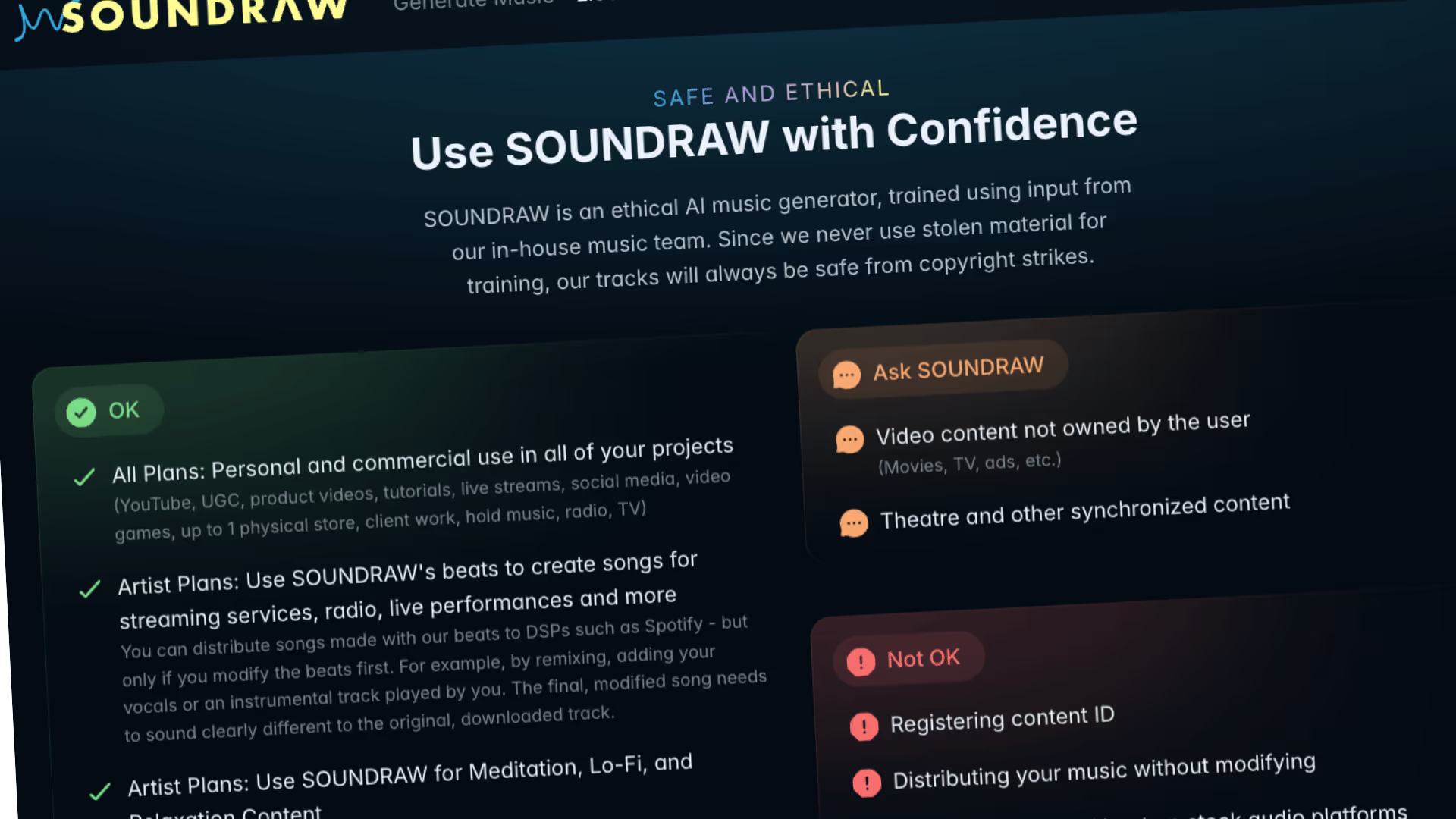
Copyright-free beats still come with rules. A track may be cleared for one type of use and restricted for another. Some licenses cover commercial work. Others ask for attribution.
Some are broad enough for regular client and business content, while others are more limited.
It’s worth reading the terms before you build an edit around a track. Save the proof of download too. That habit can spare you from re-editing later.
For small business owners, this part matters just as much as the sound of the song. A nice track is not much use when the license creates problems after the video is already finished.
Where to Find Tracks Without Losing Half a Day

Most people get their music from: a stock music library with ready-made tracks or AI music generators like SOUNDRAW that lets you shape or creater music based on the mood, length, or style.
Paid libraries such as Artlist or Epidemic Sound are common, especially when you already know the direction of the video. They tend to have better search filters, broader catalogues, and clearer licensing pages.
Free sources can help with smaller projects or tighter budgets. The YouTube Audio Library is one of the better-known options. Usage conditions may vary.
The fastest search method is usually the most specific one. Instead of typing something vague like “nice background music,” try phrases tied to the job, mood, and pace of the video. A search like “warm acoustic café promo” or “clean electronic app demo” gives you a better chance of finding something useful early.
Put the Music Into the Edit Early
Music works best when it comes in before the final polish. Add the music before the edit is fully locked. That leaves room to shift cuts, shorten pauses, and clean up transitions around it.
At this stage, the job is fairly simple. Place the track on the timeline, cut off what you do not need, pull the level down under speech, and soften the beginning and end so the music does not jump in or stop too abruptly.
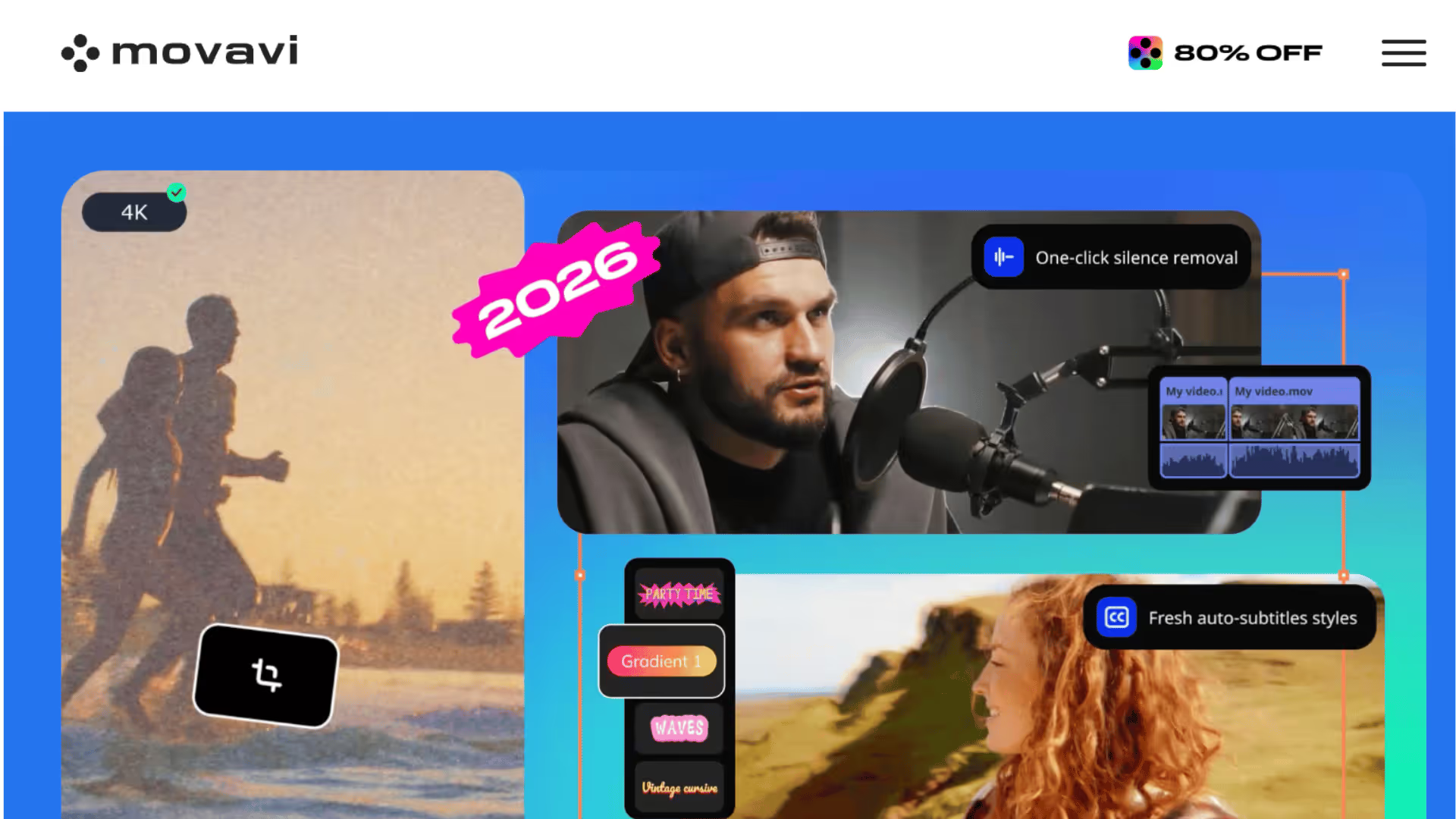
Most editing software, like Movavi for example, lets you work with footage, text, and music in a single workspace. That becomes useful very quickly. Once the music is in the edit, weak spots are easier to hear.
Make Room for the Voice

Play the full video once through speakers and once through earbuds. The speaker pass helps you hear the overall balance. Earbuds make rough cuts, abrupt starts, and level jumps easier to catch.
Good music should feel tied to the video rather than laid on top of it. When that happens, the track supports the story, the product, or the lesson without pulling attention away from the point of the piece.
Volume balance matters here too. When there’s voiceover, the music should stay far enough back that the speaker remains easy to understand from start to finish. It is common for the balance to feel fine at the opening and then become too heavy later, so the full video needs a proper listen.
Final Thoughts

The right track pulls the whole piece together. The wrong one can make a solid video feel awkward, overdone, or harder to watch than it should be.
A simple working method usually gives better results. Start with the video itself, search by mood, check the license before committing, try a few options in the timeline, and keep the final music in place while there is still time to adjust the cut around it.
Royalty free music becomes much easier to work with once you treat it as part of video-making from the beginning.
